
Meet the
whole room.
One scan turns a room full of strangers into your network. See who’s here, connect on LinkedIn in a tap, and keep every contact long after the lights go off.
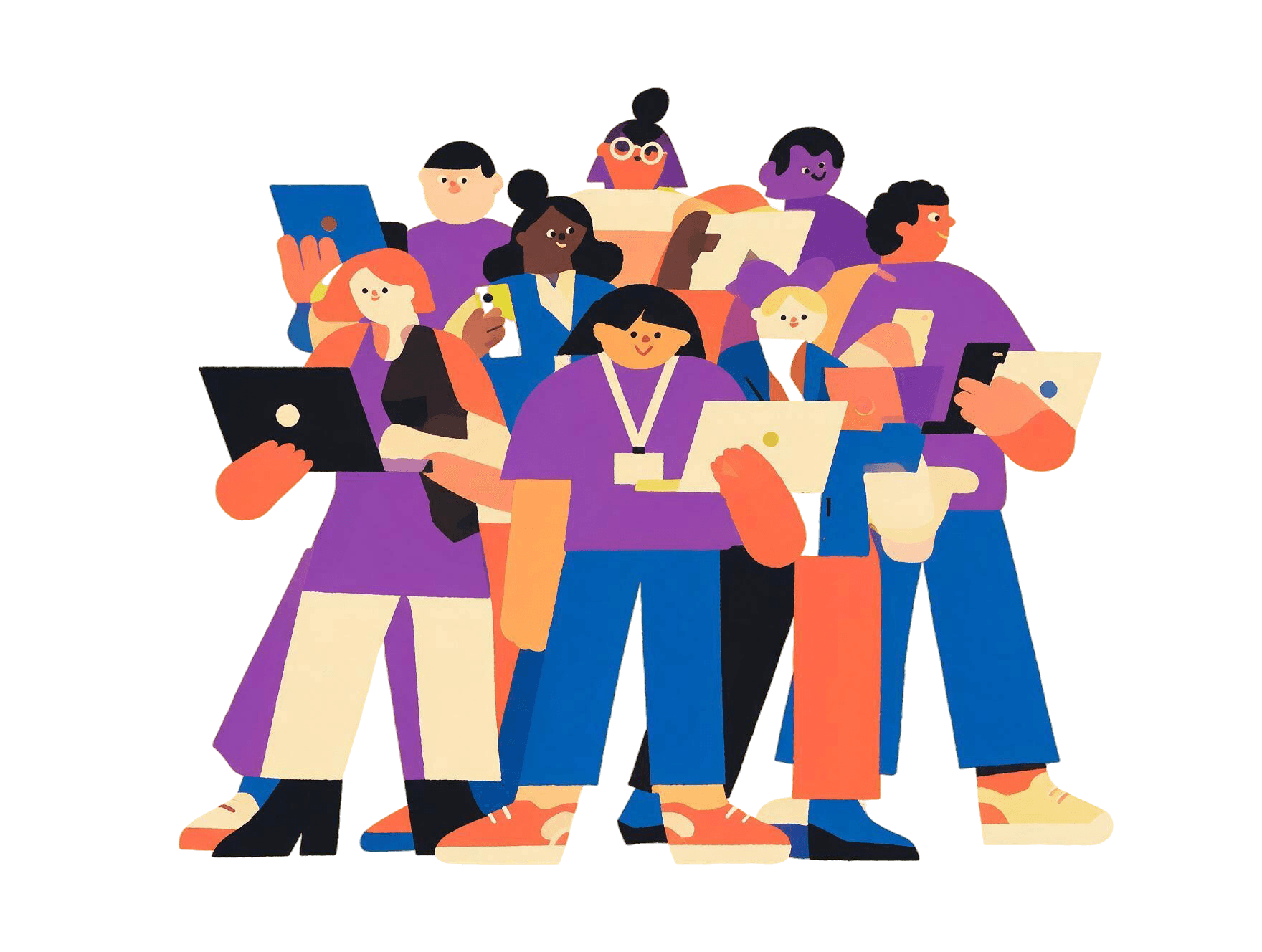
Launched at the Build with AI Bootcamp, Sreenidhi Institute of Science and Technology, with Google for Developers. Two days, four sessions, one QR code.
Stranger to connection in three taps
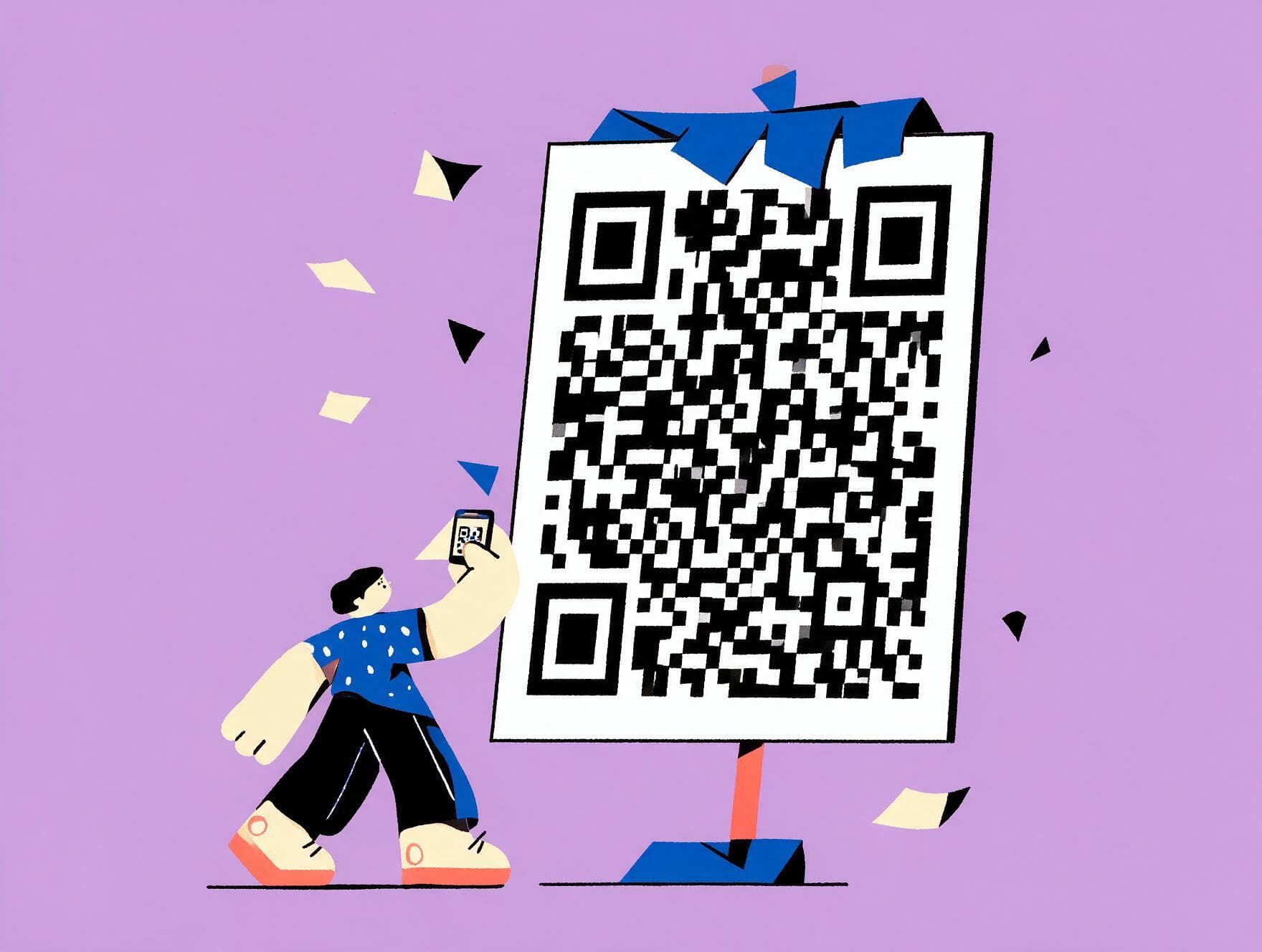
Scan the code
No downloads, no forms. Scan the event’s QR and LinkedIn fills in the rest. About twenty seconds, once.
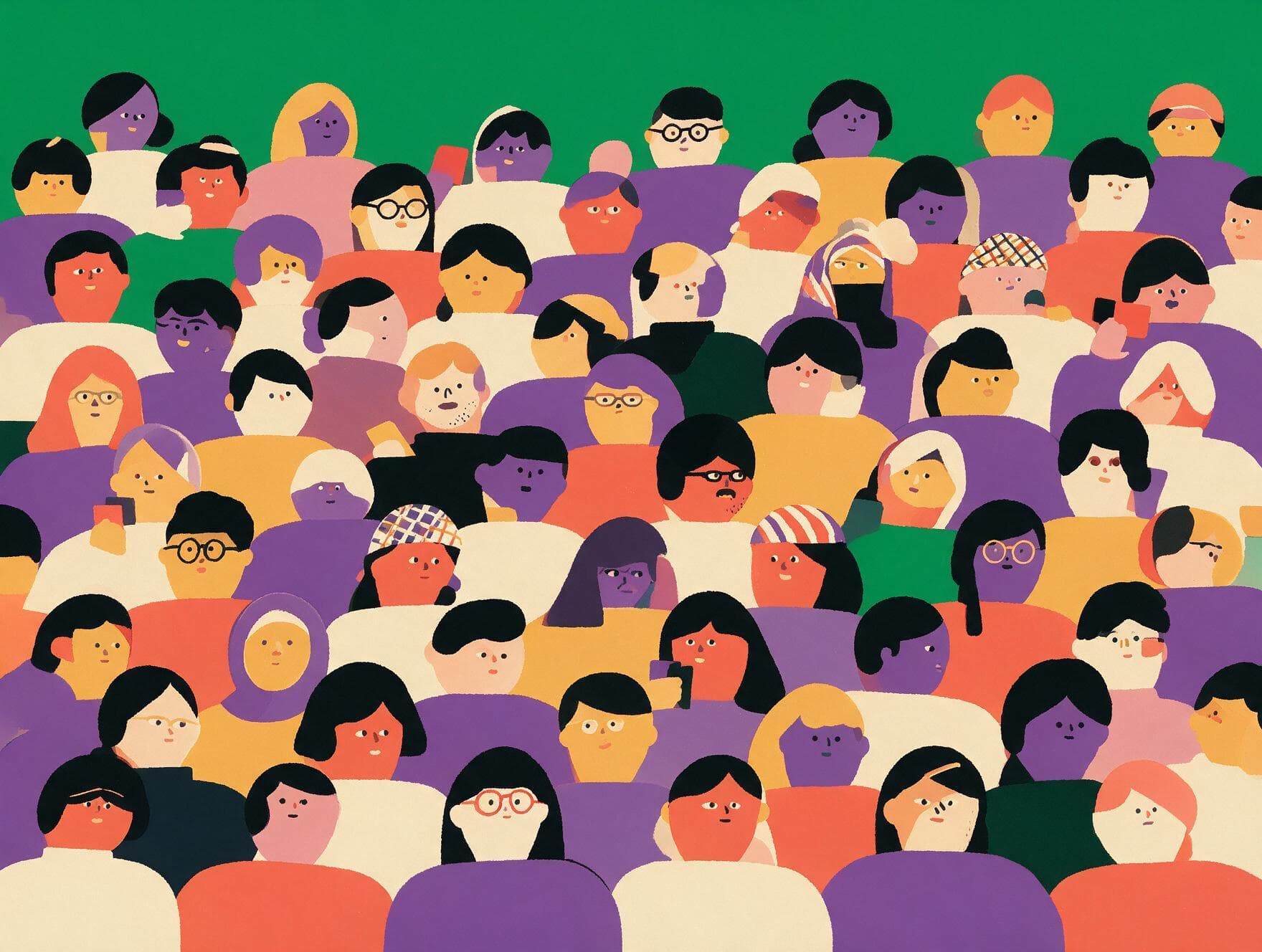
See the room
A live directory of everyone here: names, headlines, what they build. Find the person worth meeting instead of guessing across a hall.
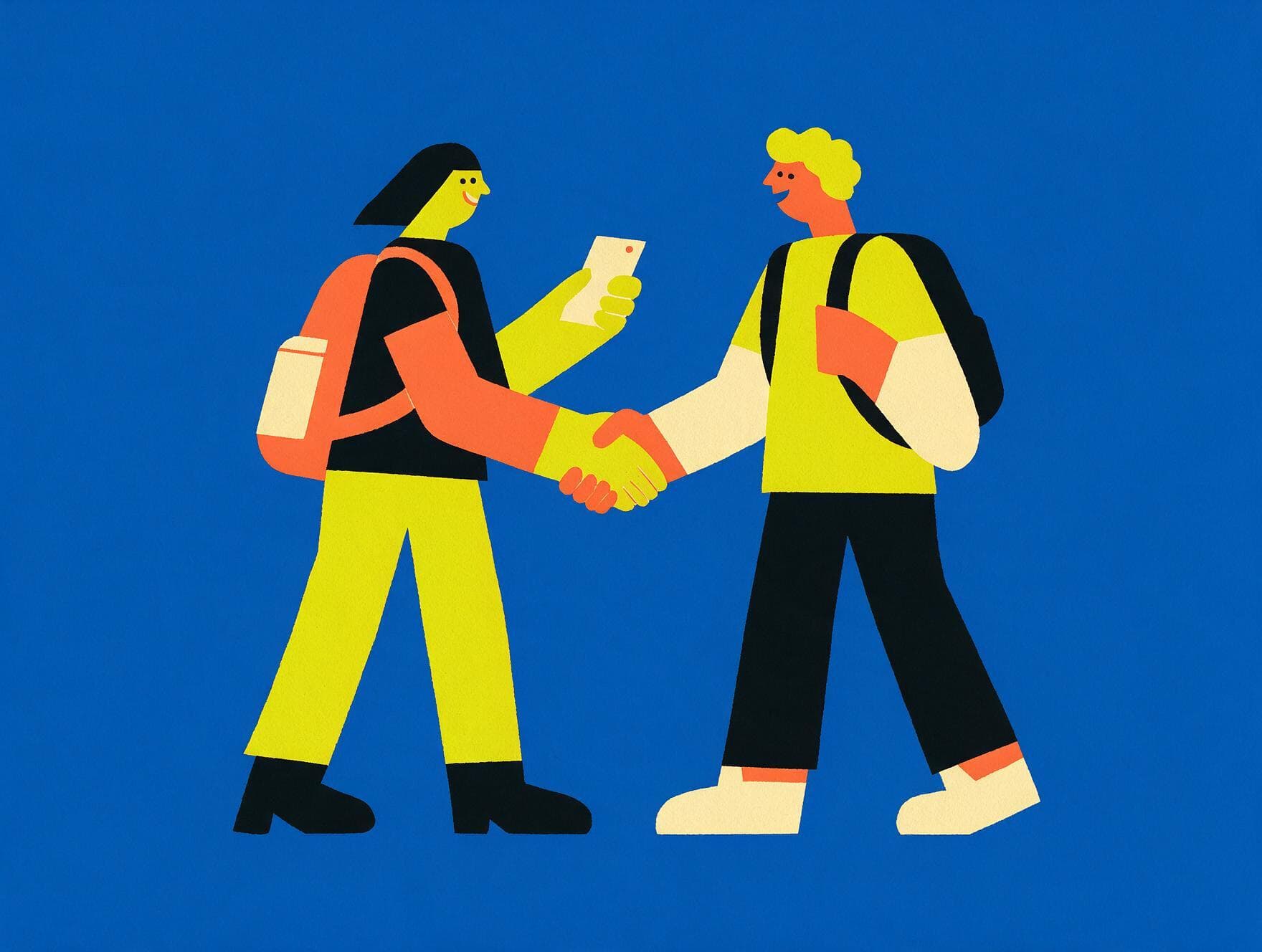
Connect for real
Skip the awkward number swap. One tap opens their LinkedIn, and you connect there instantly.
Your events don’t end when you leave
Most events vanish the moment they’re over. The group chat dies in a week, the drive link gets buried, and the people become names you half-remember.
Run the room. Huddle handles the rest.
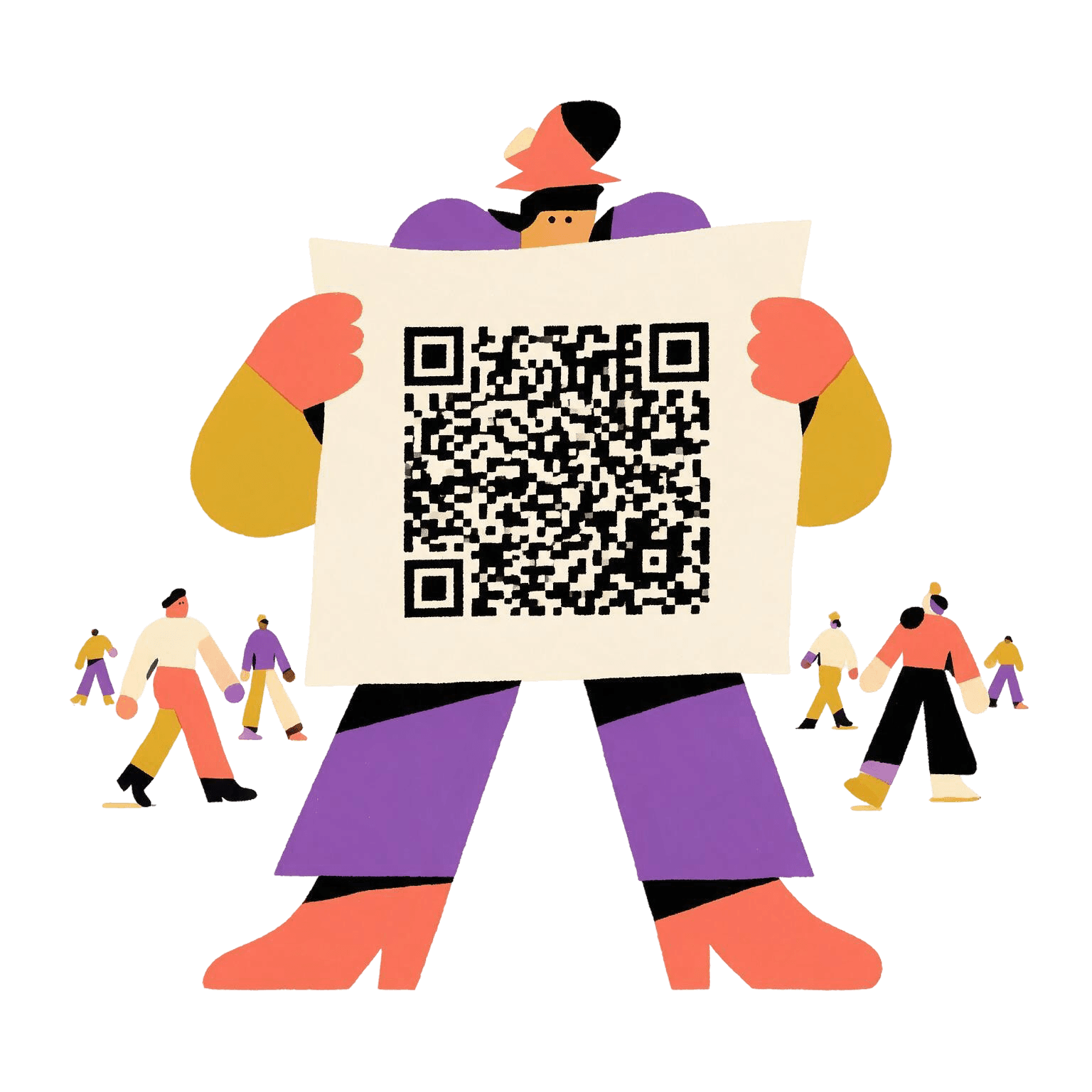
Spin up an event, print one QR, and watch the room fill. Everyone who scans is checked in and listed automatically. No clipboards, no spreadsheets, no stress.
Everything you need. Nothing you don’t.
LinkedIn profiles, automated
Attendees sign in once. Name, photo and headline sync across automatically.
Zero installation
Huddle runs instantly in any mobile browser. No app store, no download required.
The room, in real time
The list updates live as new people scan in, so the directory stays perfectly accurate.
A permanent record
Every connection is logged against the event it was made at, and stays available after.
Clipboard-free check-in
Scanning in marks an attendee present, giving organizers real-time metrics.
Private by default
Profiles are visible only to verified attendees of the same event. Never public, never sold.
Questions people ask
Yes, free for attendees. Running an event is free right now too. If that ever changes, we will say so clearly first.
No. Huddle runs in your browser. Add it to your home screen if you want it to feel like an app, but nothing is required.
Your name, photo and headline, so other people in the room know who you are. We never post anything, never message your connections, and never sell your data.
No. You are only visible to people in the same event room as you. Nothing is public.
Nothing disappears. The room stays open, the people stay listed, and any resources the organizer shared stay available. Come back months later and it is all still there.
Your next connection is one scan away
Attendees join in about twenty seconds. Organizers can have an event running before the doors open.